⏱️ Do It Now
Create a OneNote Page and copy this into the title:
Lesson 1 - Summer Term 2 - Revisiting Images
|
📝 Do It Now (1) Open this link and make your own copy: Revisiting Images |
🎯 Learning Objectives
- LO1: We will learn how to source images from Google and add them to our website directories
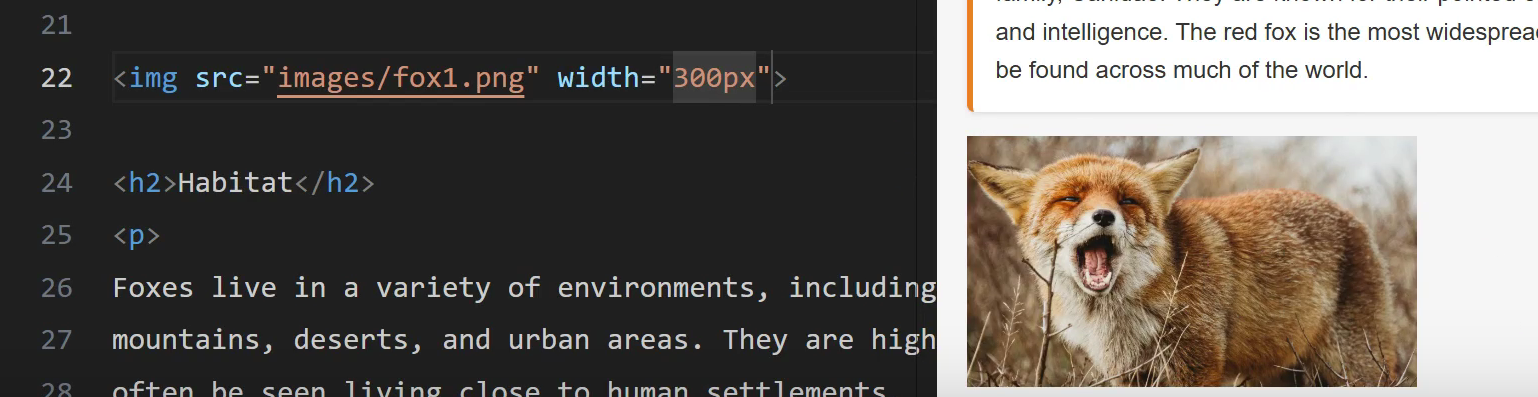
- LO2: We will revisit how to add image tags
- LO3: We will revisit how to amend the CSS of an image tag
Adding an Image Tag To Your Page
🎥 Follow the instructions in this video
- You will learn how to add an image to a webpage
- Click For Video
What The Final Outcome Looks Like
Getting an Image from Google Onto Your Page
🎥 Follow the instructions in this video
- You will learn how to get an image from Google onto your page
- Click For Video
Applying CSS Styles Directly To An Image
🎥 Follow the instructions in this video
- You will learn how to add CSS styles directly to an image
- Click For Video
📝 Evidence
Copy this into your OneNote Page and complete it
|
📝 Independent Activity |
|
Instructions:
|